Centro Assistenza
Guide on the operation of the touch button of Prism Solar S
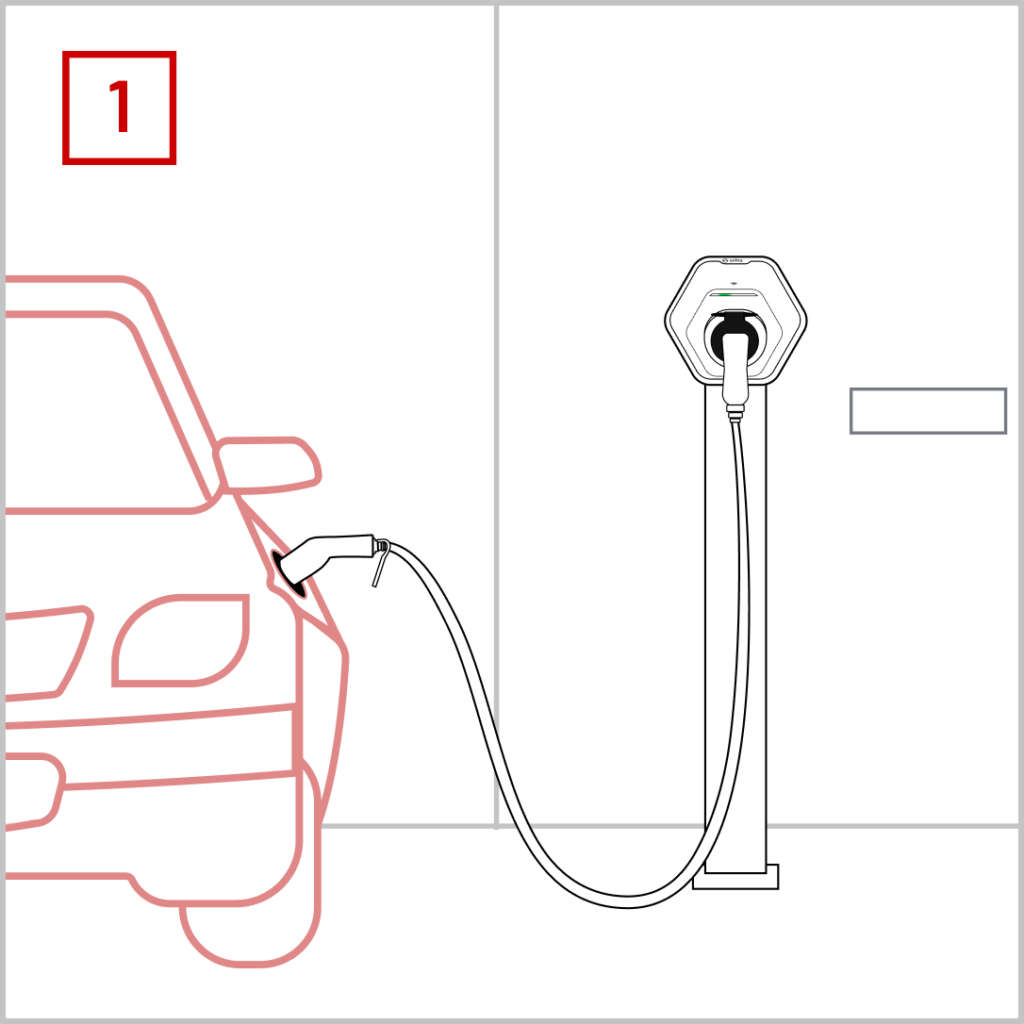
As an alternative to remote use, Prism Solar S offers the option of local use via touch button with which it is equipped, an added convenience in the user experience for the user.
Through the touch button, the user can manage:
- Start/Stop charging
- Charging mode
Start/Stop charging
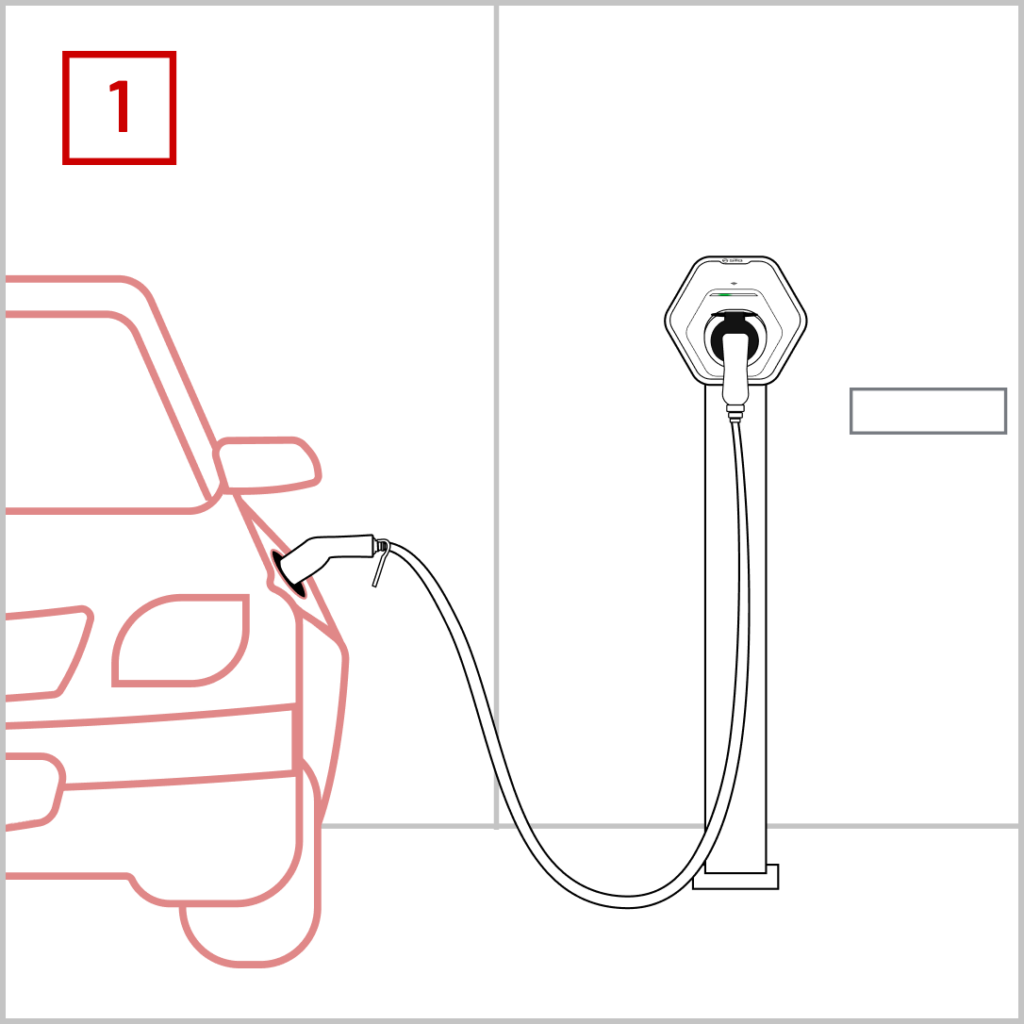
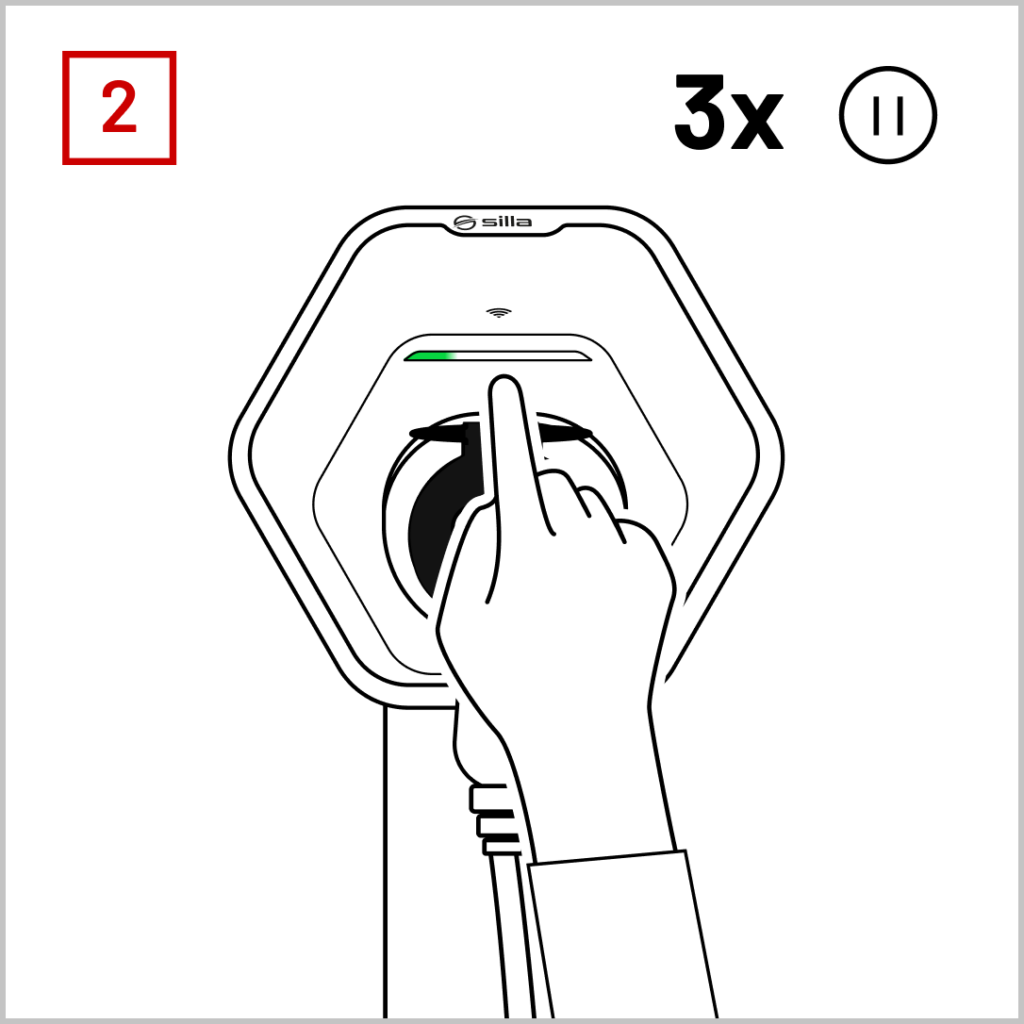
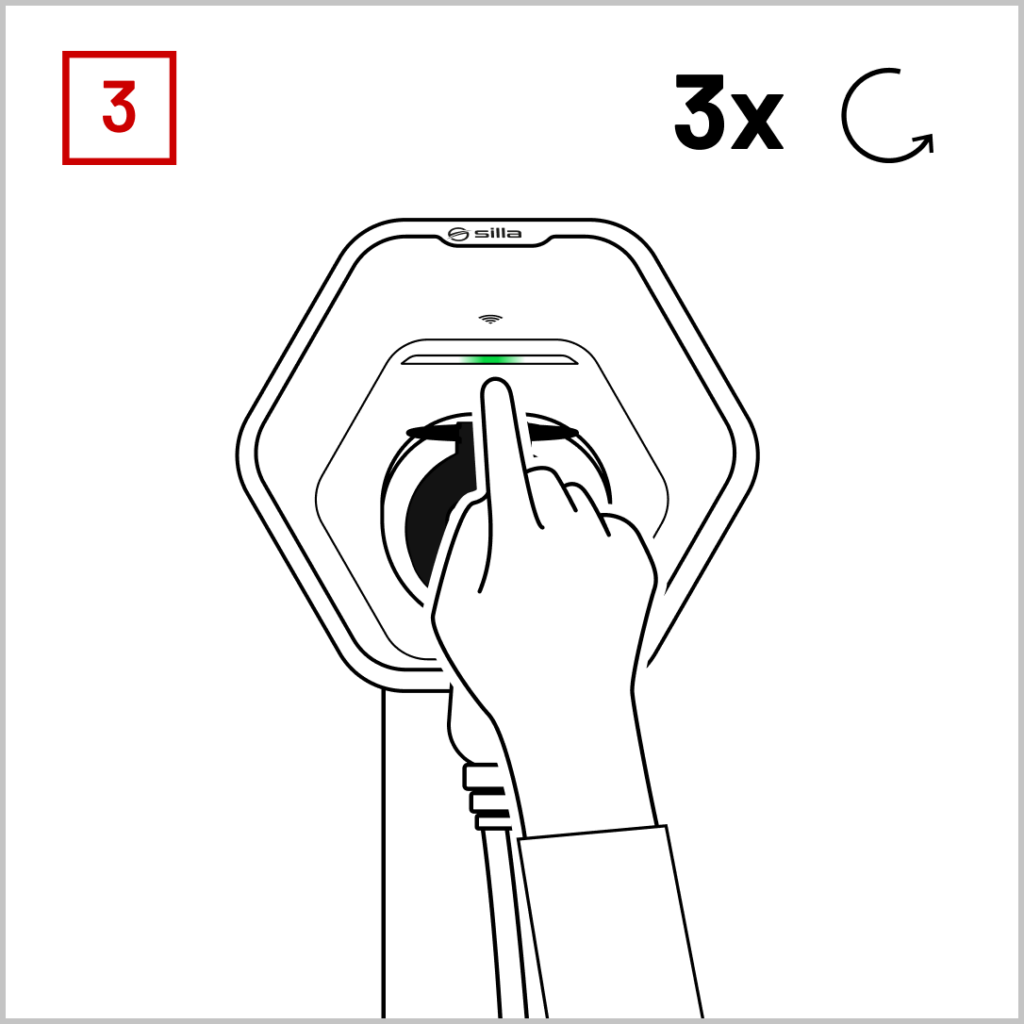
Charging start & stop is manageable via the Prism Solar S’s touch button.
When charging, it will be sufficient:
- Press 3 times to pause charging.
- Press again 3 times to restart charging.
Charging mode
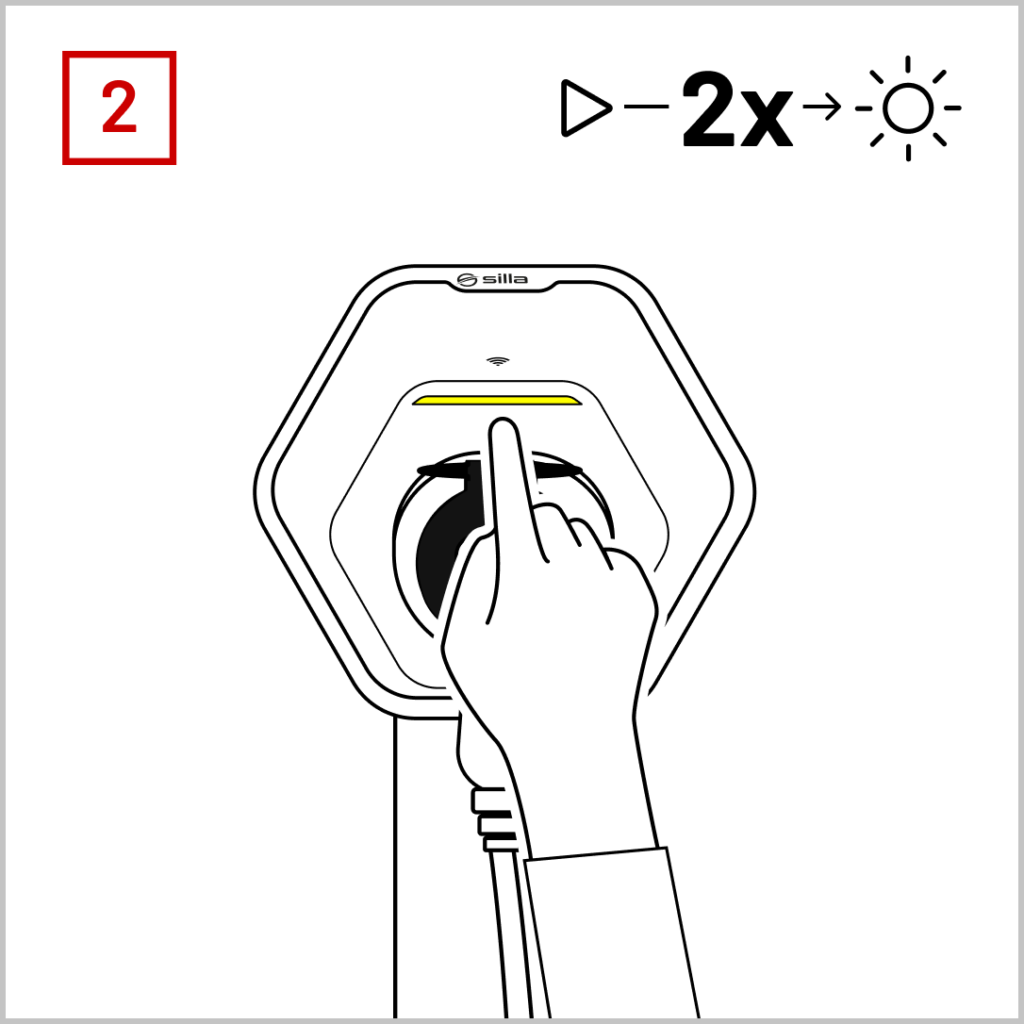
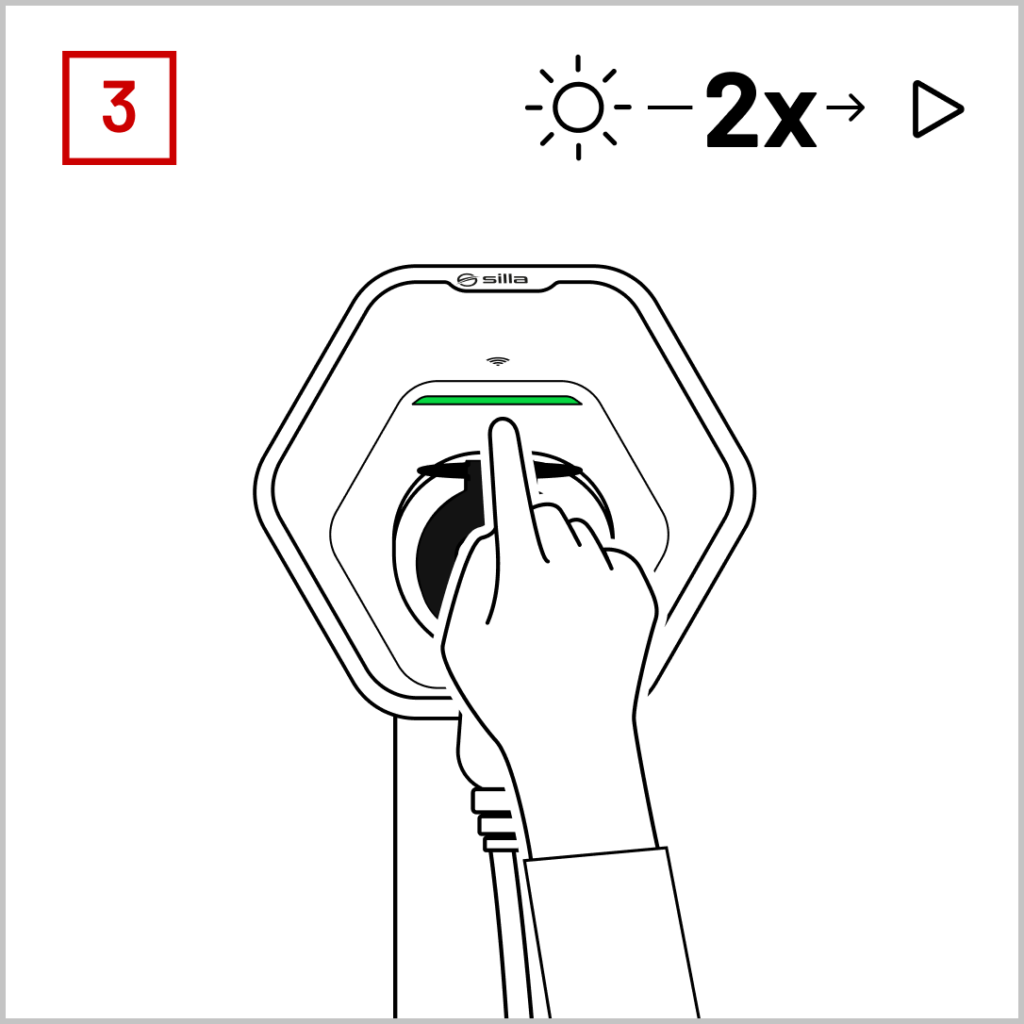
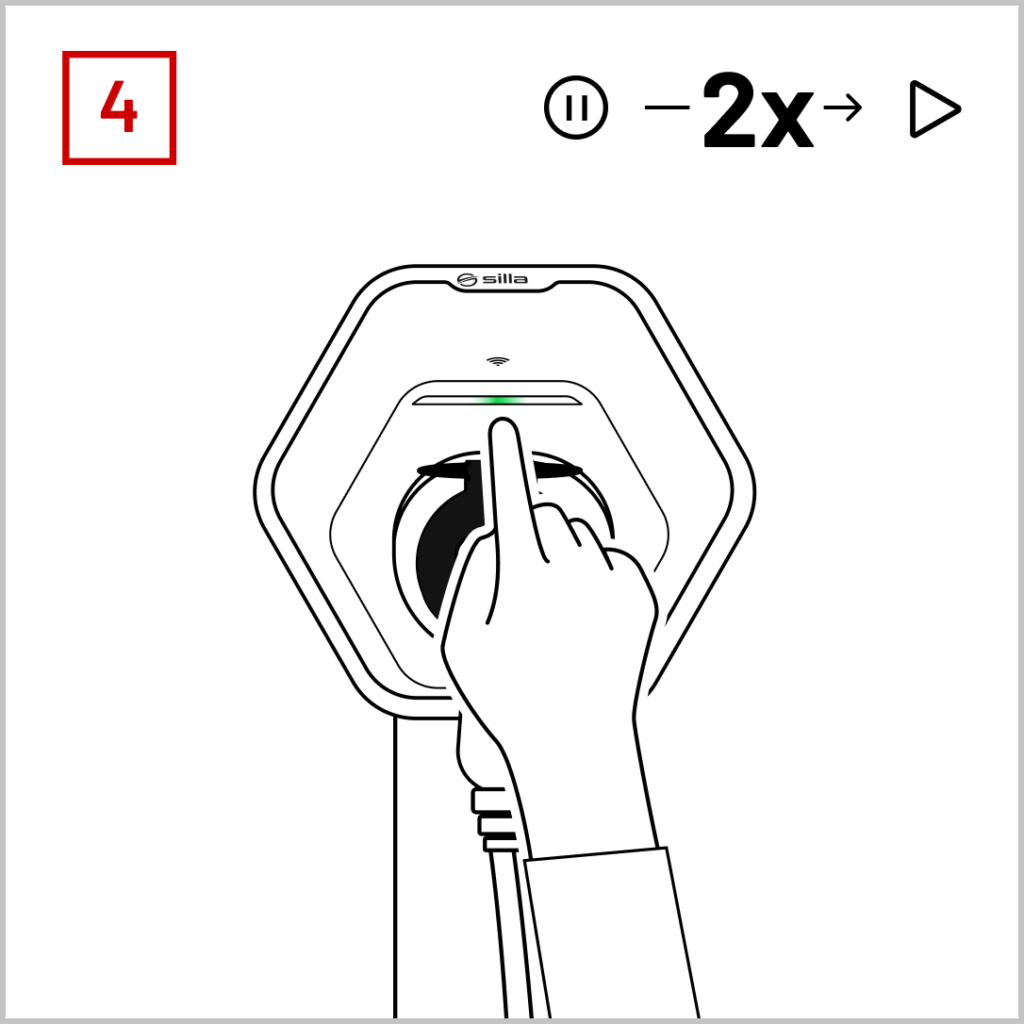
Using the touch button we can move between the various charging modes Normal, Solar and Pause.
Simply press the button 2 times in succession to switch sequentially between the following modes:
- Normal → Solar ☀️
- Solar → Normal ▶️
- Pause → Normal ⏸