
Connecting Prism Solar, the digitally approachable charging station, is not complicated and has multiple advantages. Unlike Prism Basic, Prism Solar allows not only harnessing the power of solar to recharge but also managing the activity remotely.
This is all thanks to the connection to the Internet, which can be achieved in a standard way or with the help of Powerline.
In this guide you will find:
- Why connect Prism Solar to the Internet and manage it with the app?
- How to connect Prism Solar to the internet?
- How to connect Prism Solar to the internet with Powerline?
Why connect Prism Solar to the Internet and manage it with the app?
Silla Industries’ first born – Prism Basic – meets the essential characteristics of the wall charger. Its evolution, Solar, has expanded the possibilities of charging making it convenient, digital and increasingly green.
In fact, if communication with PV conveys surplus energy produced to the car, online communication introduces as many positive aspects. For example, the complete monitoring and scheduling of recharges through theSilla app.
In addition, the Internet connection is necessary to receive aftermarket updates, released by our development team, which ensure that the column is always up-to-date over time.
How to connect Prism Solar to the internet?
Solar’s connection to the Internet can be through connection to a wired network (Ethernet) or to an existing WiFi network. Depending on the case, Prism will guide the user through the initial setup phase to ensure proper operation.
How to connect Prism Solar to the internet with Powerline?
As is logical, Solar is often installed inside boxes, even underground. In many cases this can be a real obstacle to connectivity.
The good thing is that there is a solution that allows even those who install Prism in a space not covered by an Ethernet or WiFi connection to connect Solar to the Internet and use its full functionality.
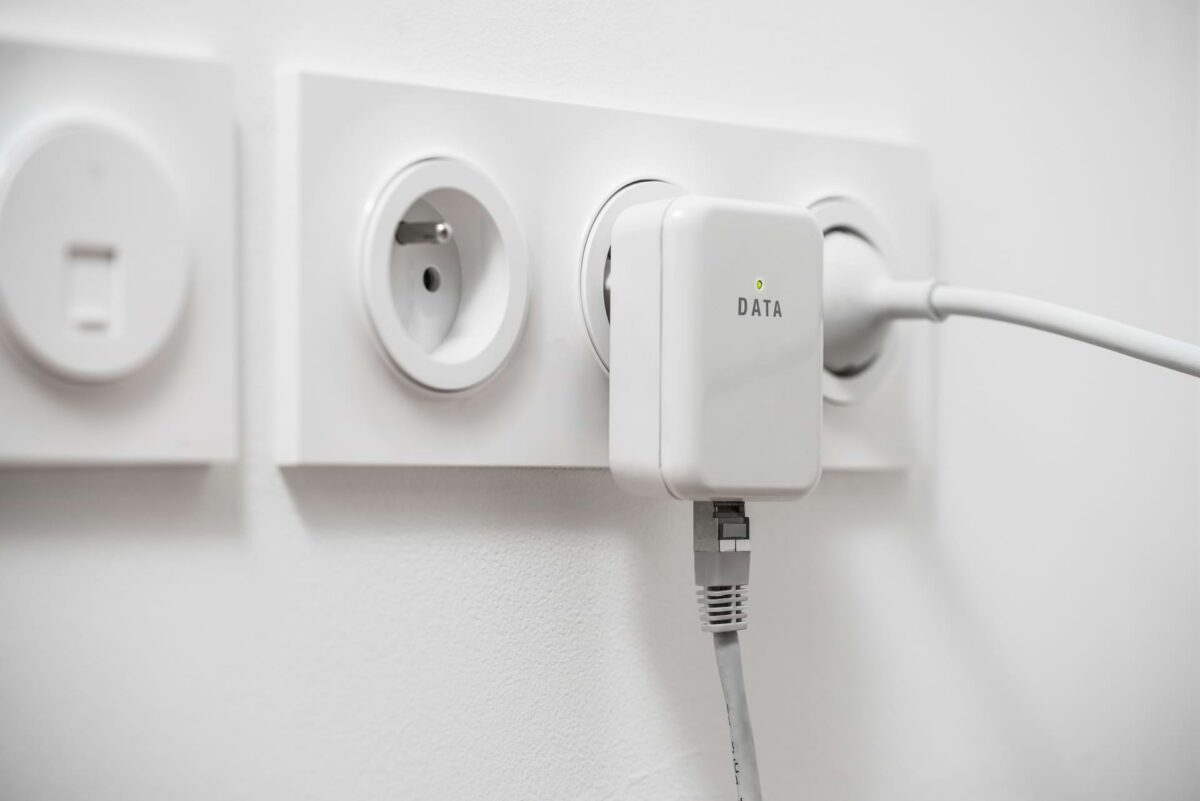
A powerline is a small device that allows you to extend your network by extending the connectivity range of your router.
To simplify: an Internet signal travels from the router through via an Ethernet cable and is then retransmitted with the same power as at the point of origin even to those spaces in the house where the connection cannot reach or is scarce, for example, in the carport.
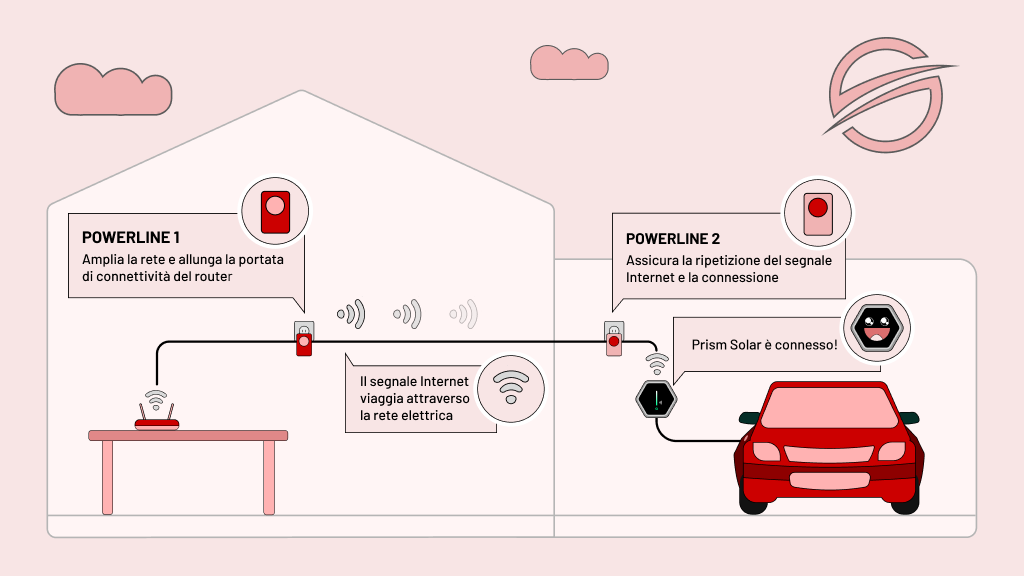
Always sold in pairs, powerlines are also very useful for using Prism Solar at its best. In fact, as the drawing shows, simply connect via Ethernet cable the modem to the first powerline. The latter, once turned on and running, will take care of delivering the signal, which travels through the home electrical grid, to its “twin” located in the garage.
It is precisely the presence of the second powerline in the box, in close proximity to Prism, that will ensure the repetition of the Internet signal and the connection of Prism Solar to the Internet, with the benefits that come with it.
What has been described is successful operation via physical signal connection, that is, taking advantage of the presence of an Ethernet cable. However, it is also possible to rely on repeating powerlines that operate by repeating the signal via WiFi, without the physical cable connection. This is a possibility that needs to be carefully considered as the signal will be weaker for a larger investment in the purchase of powerlines.


